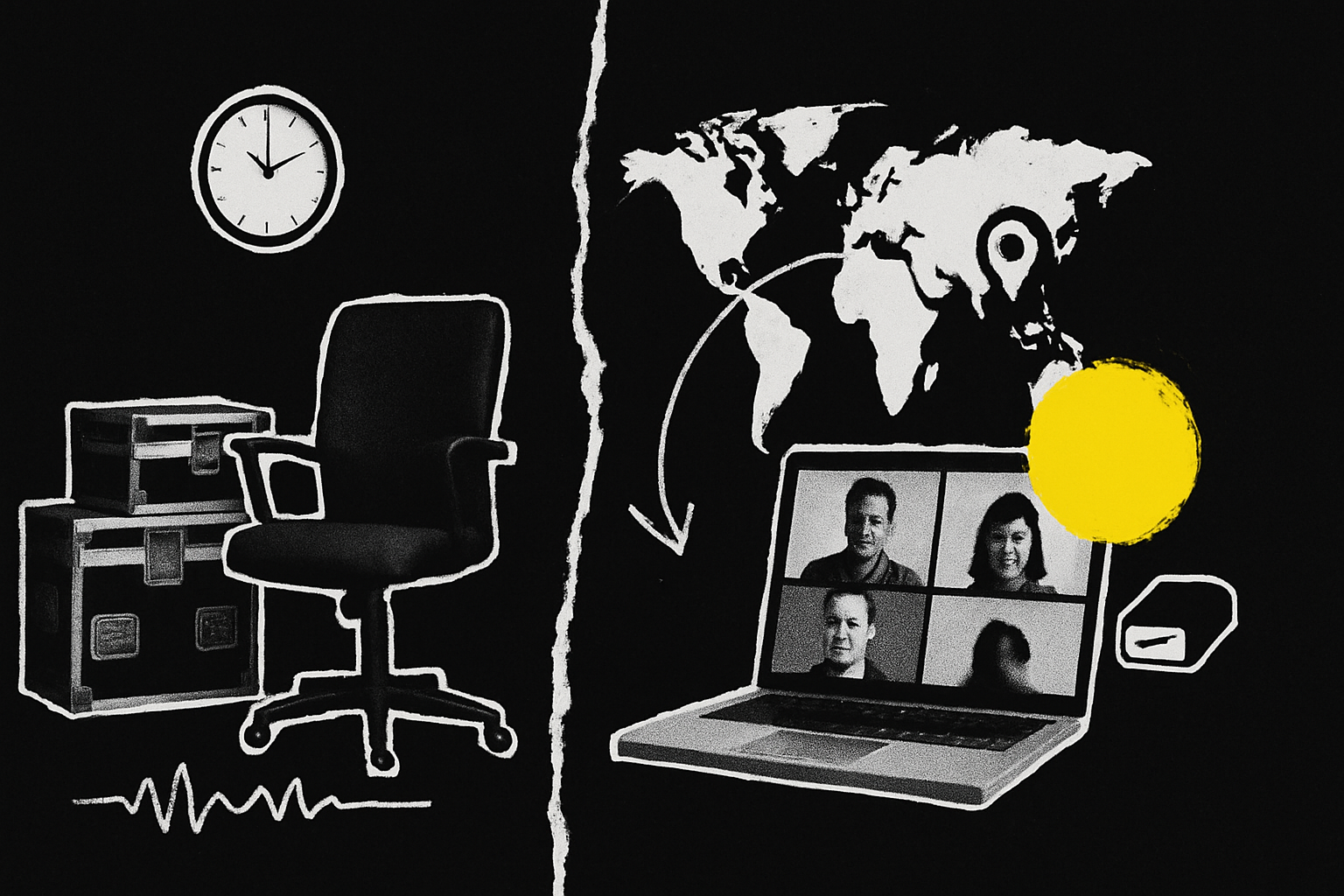
Record remotely by default. Remote recording gets you the senior guests who would never spend half a day travelling to a studio, and dedicated software like Riverside, Squadcast or Zencastr records each person locally on their own device, so quality no longer depends on the call. Save in person sessions for the handful of episodes where being in the room changes the outcome: a flagship guest, a customer event, a launch.
That is the short answer. The longer one matters because the in person vs remote podcast recording decision quietly sets the ceiling on who will come on your show, how often you publish, and what your cost per episode looks like twelve months in.
Is it worth recording podcasts in person?
Sometimes, and rarely for the reason people give.
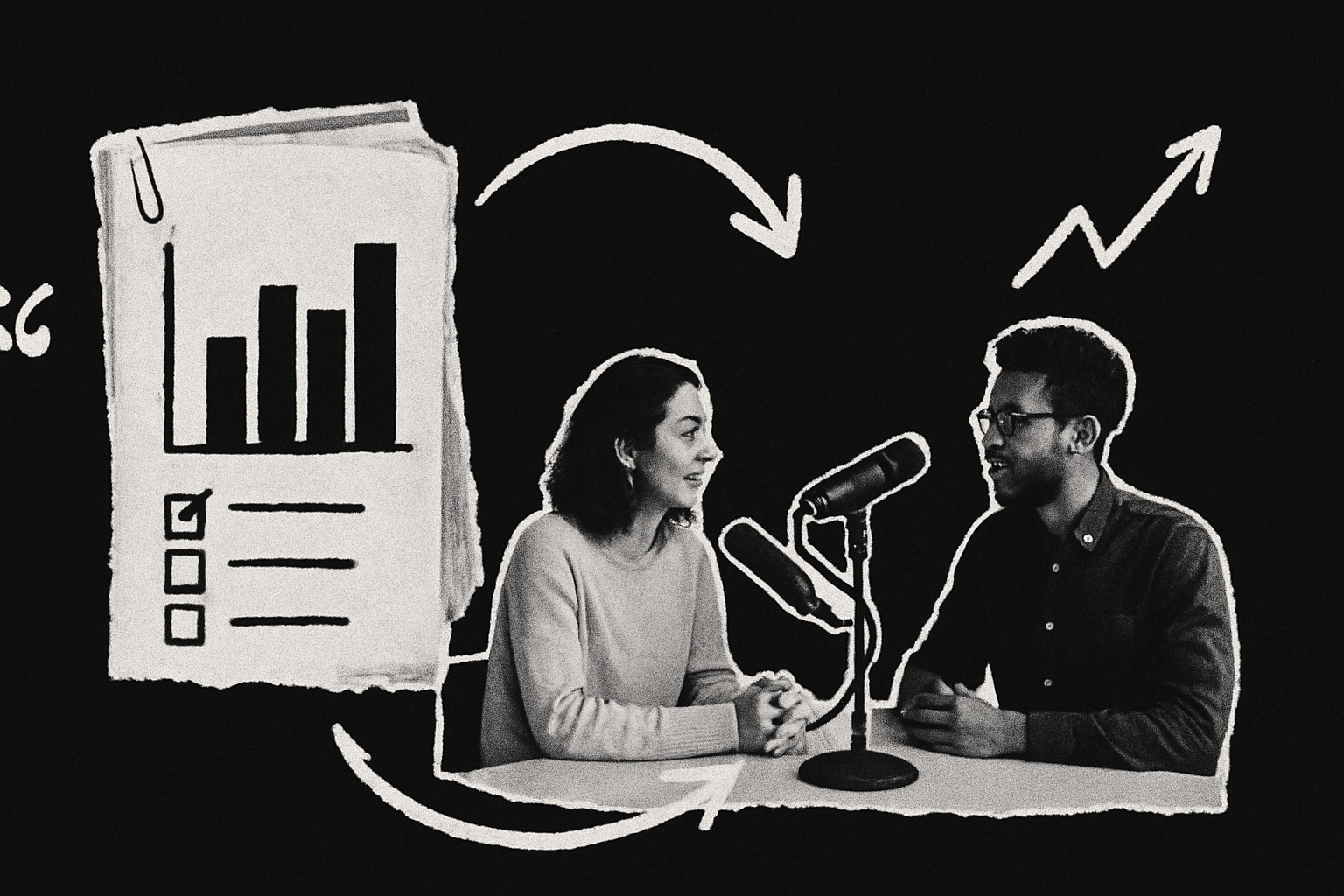
The usual argument is quality. That argument was true in 2018 and it is close to dead now. Dedicated remote recording software records each participant on their own device in full quality, then uploads those files progressively, so a wobbly connection degrades the live conversation without touching the recording. Riverside records up to 4K video locally with separate audio and video tracks per participant. Squadcast does separate tracks with cloud backups and progressive uploads. Zencastr does separate tracks with automatic local backups and has a free plan. The double ender approach, where everyone records themselves locally and sends you the files afterwards, gets you the highest quality of all and is described in the source material as the closest thing to sounding like you are in the same room.
The real case for in person is different. It is about the relationship, not the waveform. A guest who travels to sit with you for ninety minutes has already made a commitment, and the conversation tends to reflect that. Interruptions land properly because there is no latency to make people talk over each other. You get b-roll, two people in a frame, a handshake at the door, and the kind of footage that makes a brand film rather than a talking head grid. If you are recording at a conference where twelve of your target accounts are walking past the door, in person is obviously correct, because the alternative is twelve calendar invites that half of them will move.
The case collapses when you apply it to every episode. A weekly show recorded in person restricts your guest list to people within travelling distance of your studio, which for most B2B companies means you have just excluded the majority of your market.
Does remote recording hurt the conversation?
It changes it, and most of the damage is fixable.
Three things genuinely degrade a remote conversation. Latency makes people wait an extra beat before responding, which flattens the back-and-forth into polite turn-taking. Video conferencing tools compress audio and video in real time to keep the call stable, which shows up later as muddy audio and pixelated video, and the compression is worse precisely when someone’s connection is worst. And a guest recording on a laptop in an echoey meeting room sounds unprepared regardless of what they say.
None of those are inherent to remote. Two of them are a tooling choice and one is a preparation choice.
Use dedicated recording software rather than Zoom or Google Meet, and you remove the compression problem entirely, because the file you edit was captured on the guest’s device before the internet touched it. If your guest genuinely will not install or join anything new, Zoom is the fallback, and the source material is specific about how to make it less bad: enable recording a separate audio file for each participant, turn on Original Sound for Musicians so Zoom’s noise cancellation stops clipping voices during cross-talk, switch on High Fidelity Music Mode, and drop your video feed if bandwidth is struggling. Those settings improve a compressed recording. They do not make it uncompressed.
Latency you manage by briefing yourself, not your guest. Ask longer questions. Stop interrupting to agree. Leave a full beat of silence after they finish, which you can edit out later and which produces far cleaner answers than a host who jumps in at the first pause.
Preparation is where most B2B shows lose the most and notice the least. Send the guest a short brief before the session covering the things that actually move quality: a quiet room with soft furnishings, wired headphones to stop audio bleed, a window in front of them rather than behind, camera at eye level with their eyes about a third from the top of the frame, a tidy background, and a lens wiped clean. If they have no external microphone, headphones with a built-in mic sitting close to their mouth beat a laptop across the desk. A one-page checklist sent the morning of the recording does more for perceived production value than a studio upgrade.
Where remote still loses on conversation is the first ten minutes. You cannot replicate the warm-up you get from walking someone into a room and making them a coffee. The countermeasure is a green room. Riverside and Squadcast both have one. Get on the call fifteen minutes early, talk about anything other than the episode, and start recording when the guest has stopped performing.
What does a studio day actually cost you in time?
More than the invoice, and the time cost is the one that kills shows.
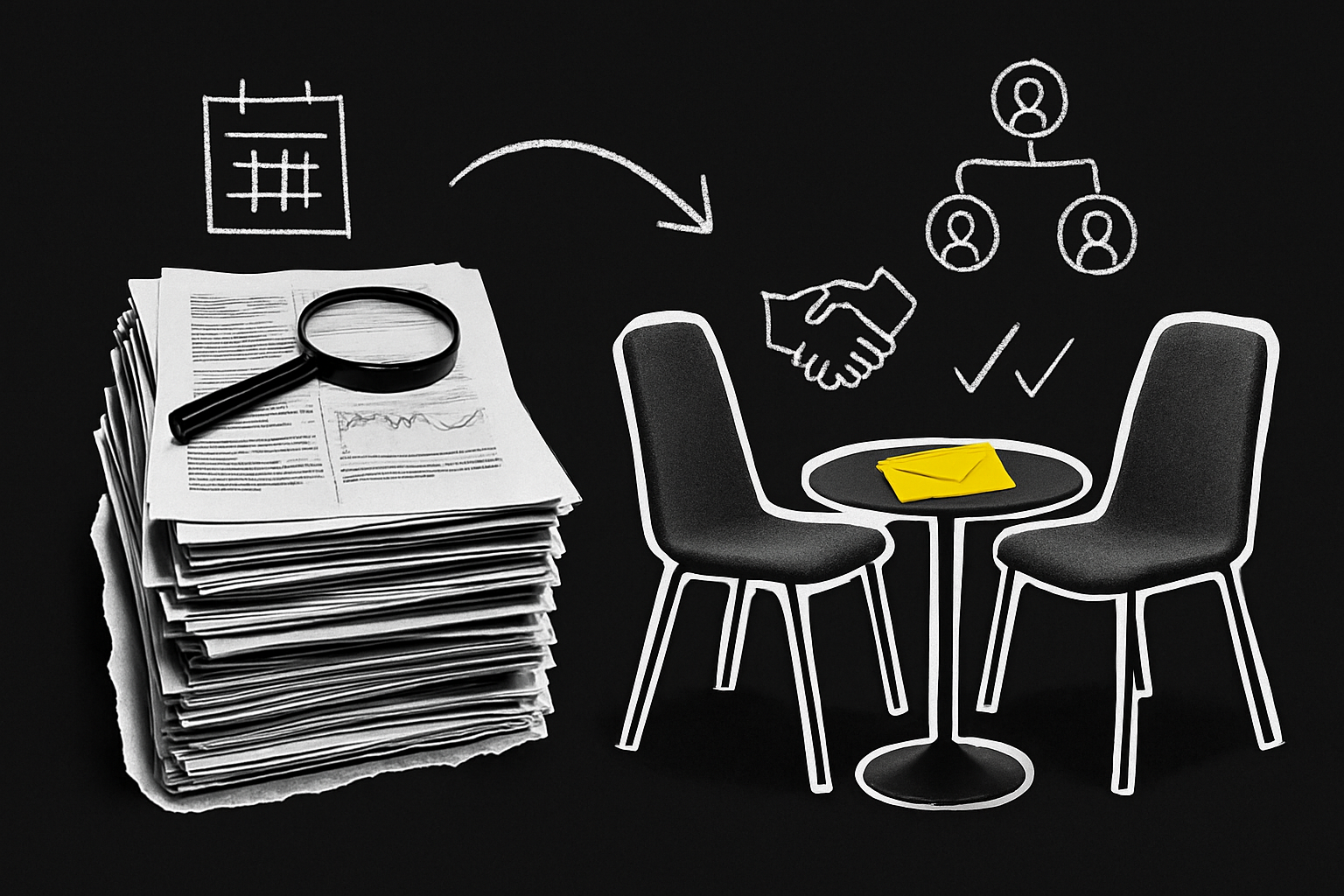
Count the hours honestly for a single in person recording. Finding a date that works for two diaries plus a studio booking usually takes several rounds of email, and it pushes the recording weeks further out than a remote session would. The guest loses travel time either side of the interview, and you lose the same. Somebody sets up and tears down the room. If a guest cancels at short notice you have paid for the room and lost the slot, where a cancelled remote session costs you an empty hour.
Then multiply. A fortnightly show is 26 episodes a year. If each in person recording consumes half a day of host time end to end, plus the coordination, that is a meaningful share of a marketing leader’s year spent on logistics rather than on the show. Remote recording compresses the same output into an hour in the diary with no travel, which is why batching works: four guests, four hours, one afternoon, and a month of publishing in the bank.
There is a quality cost to batching too, and it is worth naming. Four interviews in an afternoon means the fourth guest gets a tired host. Three is usually the limit before the questions start sounding recycled.
The other hidden cost sits in production. A hybrid setup, some people in the room and some remote, is the most technically demanding option of the three and the one most likely to produce an unusable file. Getting it right means solving headphones, video and audio separately: a powered headphone amp so several people in the room can hear the remote guest without the volume drop you get from a splitter, a camera wide enough that the remote guest can see everyone’s faces, and a multi-input audio interface so the in-room mics feed the platform cleanly. That setup still records all the in-room microphones as a single track, because the software sees the interface as one device, so separating the host and in-room guest means either an interface that records to an SD card locally or an app like Audio Hijack capturing each channel to its own file. Every one of those is a point of failure at the exact moment you cannot ask for a retake.
Which should you choose for a B2B show?
Start from the guest list, not the gear.
Write down the twenty people you most want on the show this year. Those should be your buyers, their peers, the analysts and operators your buyers read, and a few customers. Now mark which of them would plausibly travel to a studio for you. If that number is under five, the format decision has been made for you, and arguing about microphones is a way of avoiding it.
This is the part most in-house teams get backwards. Remote recording gets booked because it is cheap; it should get booked because it doubles or triples the pool of people who will say yes. A CFO in Chicago will give you forty-five minutes on a Thursday. She will not give you a morning.
| Remote | In person | Hybrid | |
|---|---|---|---|
| Guest pool | Anywhere with a decent connection | Travel distance of the studio | Mixed, but the remote guest is a second-class participant |
| Quality ceiling | High with dedicated software recording locally; double ender is highest | High, and consistent across participants | Highest risk of a broken file |
| Time per episode | An hour in the diary | Half a day or more, plus coordination | Half a day plus setup for everyone in the room |
| Video usable for social | Yes, per-participant tracks up to 4K | Yes, and better b-roll and two-shots | Yes, if the in-room camera is wide enough |
| Main failure mode | Guest’s room, guest’s mic, guest not briefed | Cancellations and sunk booking costs | Headphones, latency, single-track in-room audio |
| Best use | The default for a regular show | Flagship guests, events, brand films | Panels and live recordings where you have a technician |
The commercially sensible pattern for most B2B shows is roughly 80 percent remote with a small number of in person sessions clustered where they earn their cost. Record in person when you are already in the same place: a conference, a customer visit, a leadership offsite. Turning a two-day event into six in person episodes costs you no extra travel and gives you a quarter of content in the can.
What actually determines the cost of each approach?
Episode volume, video scope, and how much of the work sits with an agency rather than with you. Those three variables move a podcast budget far more than the recording method does.
Remote recording removes travel, studio hire and room setup from the equation, and adds software plus the risk of re-recording a session that went wrong. In person adds the space, the crew, the gear and the time, and removes the guest’s home office as a variable you cannot control. Video multiplies both, because multi-camera footage means more editing hours, and editing hours are where a podcast budget actually goes. A show that publishes audio with a static video export costs a fraction of one that ships a full episode plus six social cuts a fortnight.
Before you sign anything, get a quote broken out by episode, and get it in the format you will actually publish in. Ask what happens when a file is unusable, who books and briefs the guests, whether distribution and repurposing are in scope or billed separately, and what the minimum commitment is. An agency that quotes a single number for “a podcast” without asking how many episodes, whether you need video, and who is chasing guests has not understood what they are selling you.
What should you invest in first?
Not a studio.
The order that produces the best return is guest access first, then audio, then video, then room. Getting the right people on the show beats every production decision downstream of it, because a sharp conversation with a buyer’s peer recorded on a decent USB microphone will out-perform a beautifully lit episode with a guest nobody in your market cares about.
Once guests are handled, spend on audio. The single most noticeable investment is the microphone at each end. Sending a good microphone to a recurring guest costs less than a studio day and improves every episode they appear on.
Video comes third and matters mainly for repurposing. An external webcam recording 1080p is enough for social clips and better than many built-in laptop cameras. A smartphone on a tripod, used as a webcam, gets you HD or 4K. If your guests will only ever join on a laptop, put the effort into lighting them properly instead, because a well-lit built-in webcam beats a badly lit expensive camera every time.
The room comes last, and only if the volume justifies it. Podcast production for B2B teams is what we do at B2B Better, and the pattern in shows that build pipeline is consistent: they are remote-first, they have a real point of view, and they put their effort into who is on the show and what happens to the episode after it publishes. The ones that stall usually built a studio first and ran out of interesting guests by episode nine.
What you risk by getting this wrong
Picking in person as your default limits your guest list to your postcode and your publishing cadence to whatever your calendar survives. Picking remote without the tooling and the guest brief gets you a show that sounds like a badly recorded meeting, which tells every listener exactly how much you care about it.
The decision that holds up is boring: remote as the operating default, dedicated software rather than a meeting tool, a written guest brief, and in person reserved for the sessions where being in the room is the point. Get that right and the format stops being the interesting question, which is where you want it, because the interesting question is what you have to say.